A native PDF editor that keeps your files yours
Edit text, organize, annotate, OCR, sign and redact PDFs in one fast native app. Nothing is uploaded: every page is processed on your Mac.
macOS 13 or later · Apple Silicon (M-series)
Live preview. No screen recording is ever saved.
This is what it looks like
Why you'll like it
Edit text in the page
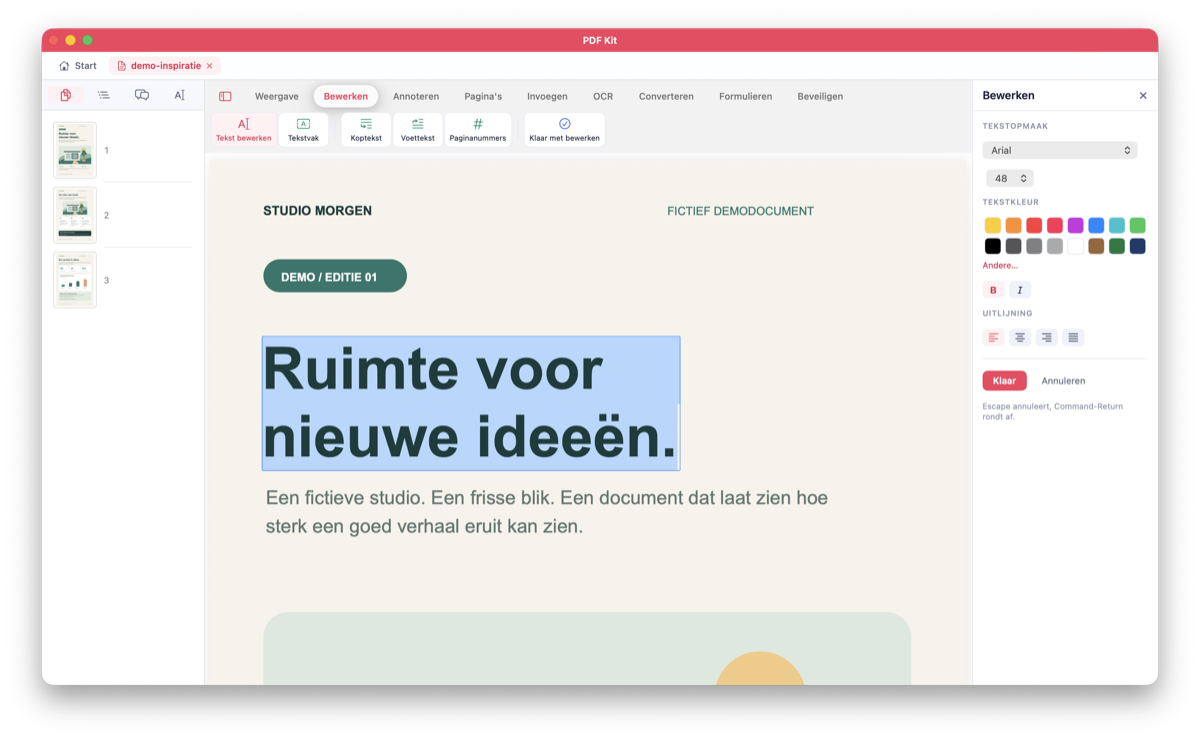
Click a paragraph and retype it. PDF Kit takes the font from the line you clicked, and an Edit tab sets font, size, colour, weight and alignment.
Read & organize
Thumbnails, outline, search and zoom. Reorder, merge, split, extract, rotate, crop and insert pages, and undo any step.
Annotate
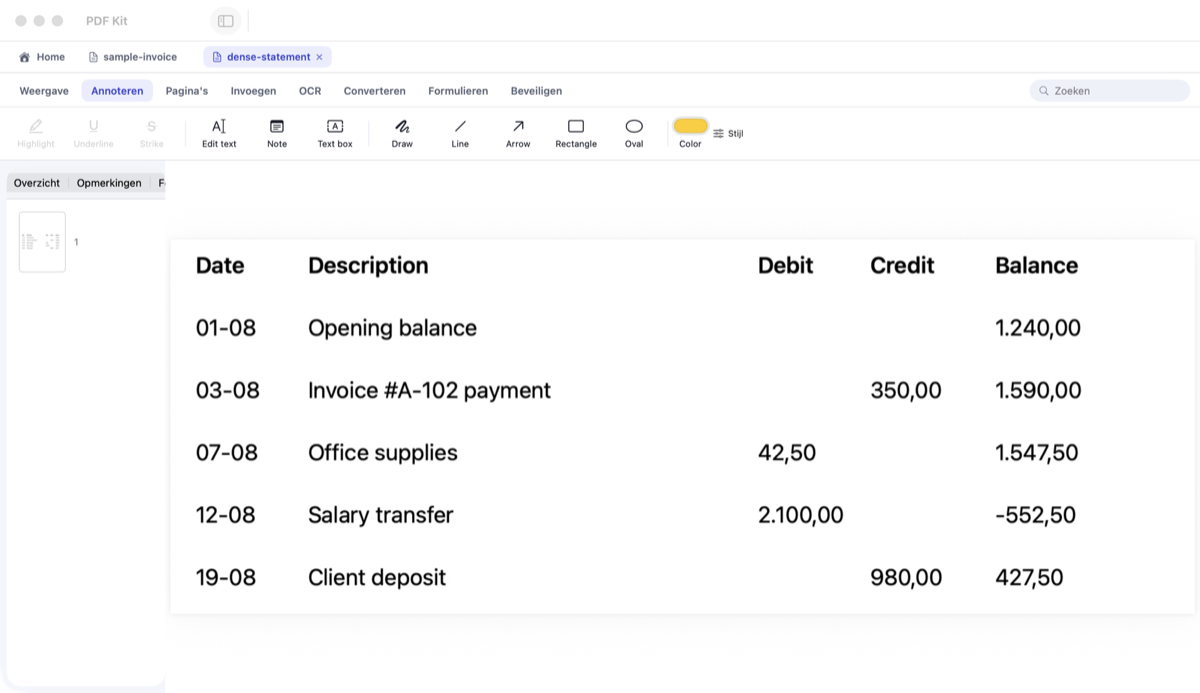
Highlight, underline and strike through. Add notes, text boxes, ink, lines, arrows and shapes, then move, resize or delete them and set colour, thickness and opacity in the Style panel.
Make scans searchable
OCR on your Mac (Apple Vision) adds an invisible text layer to scanned pages, so you can select and search them. Compress then shrinks bulky scans to a fraction of their size.
Tables → Excel, Word, Text
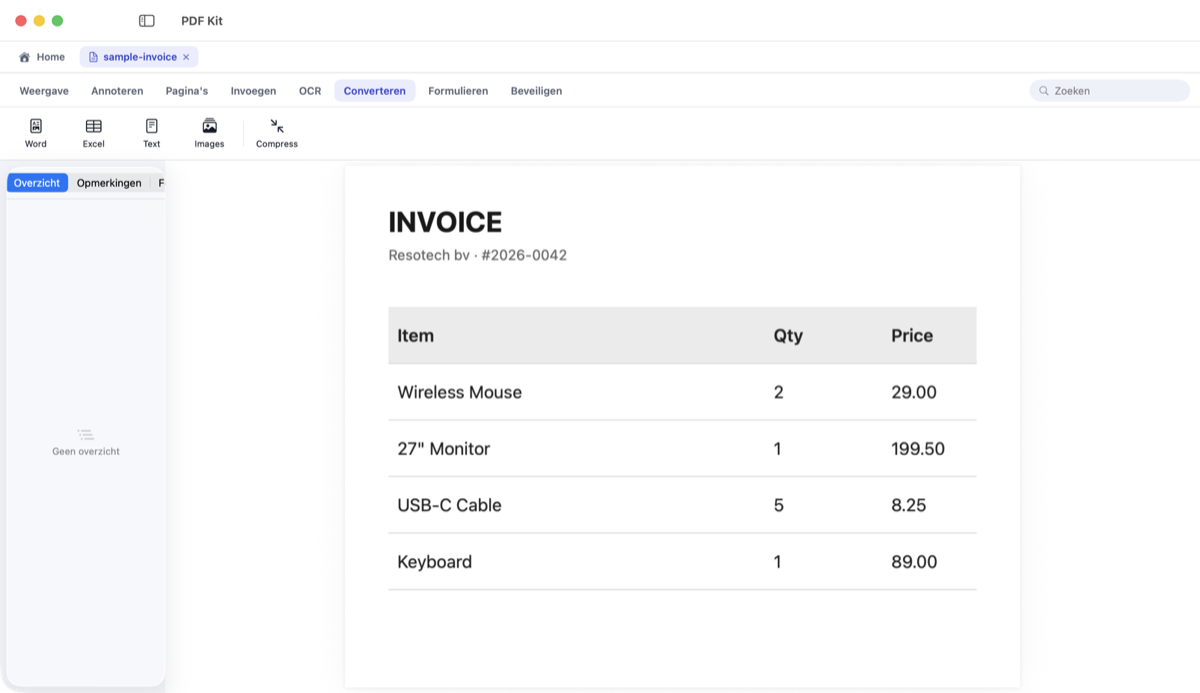
Pull tables from digital or scanned pages into a real .xlsx, .docx or text file, with the columns intact.
Fill & flatten forms
Complete AcroForm text fields, checkboxes and choices in-canvas, then flatten to bake the values in.
Headers, footers & watermarks
Running heads, page numbers, watermarks and Bates numbers are objects you can move, resize and restyle. Apply one twice and it replaces the first instead of stacking. Flatten prints them into the pages.
Sign & protect
Place a signature, sign with a certificate, set a password, and allow or deny printing, copying and editing separately. A restricted file asks for its permissions password rather than being broken open.
True redaction
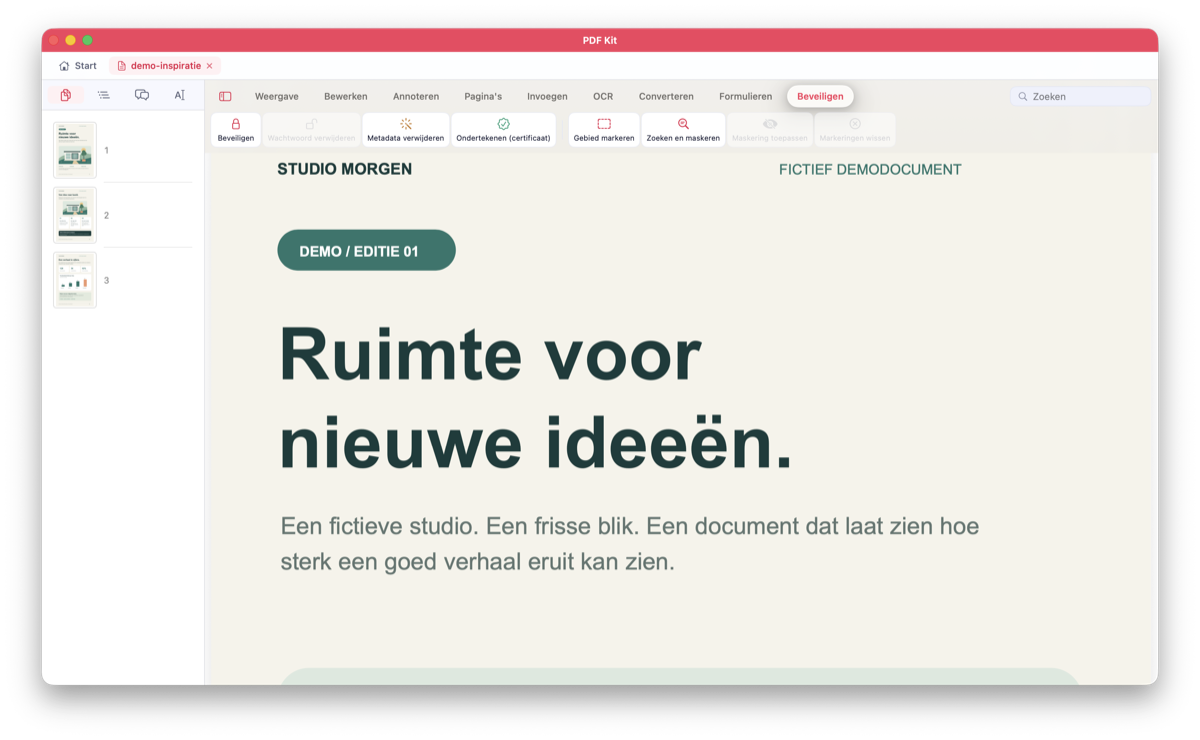
Mark areas by hand or search for a word across the document, then apply. The text underneath is removed and the metadata cleared, not just covered up.
PDF Kit vs the usual suspects
The core features of the big PDF editors, with no account and a one-time price.
| PDF Kit | PDF Expert | PDFelement | |
|---|---|---|---|
| Edit existing text | Pro | ||
| Annotate & fill forms | |||
| OCR (searchable scans) | |||
| Tables → Excel | Pro | ||
| True redaction | |||
| Use without an account | |||
| One-time price | €49 · Pro €99 | €149,99 | $129.99 |
Based on official product information for the Mac versions, checked 2 October 2026. PDF Expert: Lifetime plan (the €84.99 yearly plan includes the same features). PDFelement: perpetual licence, price as listed in US dollars. Features can differ by version and licence; a listed feature says nothing about equal quality.
What's in each edition
Both are one-time purchases. At launch, a 14-day trial unlocks everything.
| Basic | Pro | |
|---|---|---|
| Read, search, tabs, bookmarks and copy text | ||
| Annotate, highlight, comments, drawing and text boxes | ||
| Reorder, rotate, delete and duplicate pages | ||
| Merge, split, insert and extract pages | ||
| Crop and auto-crop | ||
| OCR: make searchable and auto-OCR on open | ||
| Export to Word, text and PNG | ||
| Create PDF from images, Word, RTF and text | ||
| Compress | ||
| Fill and flatten forms | ||
| Place a drawn, typed or image signature | ||
| Password protection, permissions and metadata removal | ||
| Manual permanent redaction | ||
| Page numbers and hyperlinks | ||
| Edit existing text directly, including formatting | ||
| PDF → Excel with table recognition | ||
| Batch processing, including batch OCR | ||
| Revision Bridge: carry annotations over to a new version | ||
| Create forms and import/export FDF | ||
| Sign with a certificate (.p12/.pfx or Keychain) | ||
| Search and permanently redact every match | ||
| Watermarks, headers, footers and Bates numbering |
No special permissions
Only the files you open
PDF Kit works on the documents you choose. No Screen Recording, no Accessibility, no network.
Every page is read, OCR'd and redacted on your Mac. PDF Kit only goes online to check for updates and your license; your documents never leave your computer.
PDF Kit
One-time purchase · 14-day free trial at launch · money back within 14 days of purchase
- All version 1 updates are free. If there's ever a version 2, you get it at least 40% off. Your current version keeps working, even if you don't upgrade.
- macOS 13 or later · Apple Silicon (M-series)
- Payments handled by our authorized reseller (merchant of record). VAT included at checkout.
Legal documents
The fine print, in plain language.